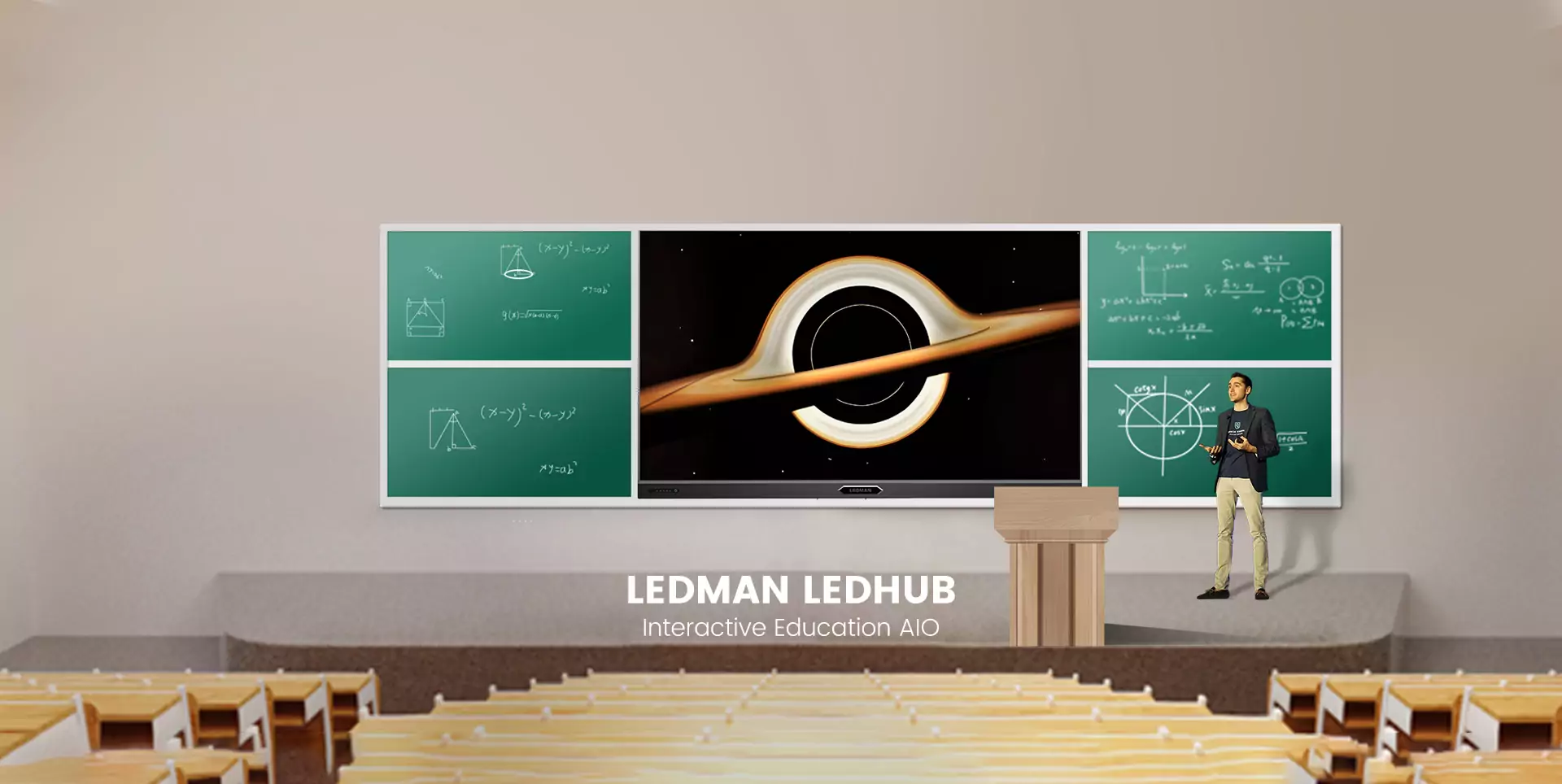
Classroom technology becomes more valuable when every department can use it consistently rather than treating each installation as an isolated upgrade. Interactive screen for classroom deployment therefore requires more than hardware selection; planning should cover installation phases, teacher adoption, platform standards, and long-term evaluation. Ledman offers interactive solutions featuring COB Micro LED, dual-system operation, synchronous writing, eye-care functions, and multiple size options, providing a useful reference point for whole-school planning.
Build A Phased Deployment Plan
School-wide installation works better when divided into manageable stages. Pilot classrooms can reveal practical issues involving wall space, power access, network capacity, and teaching habits before larger groups are scheduled.
Priority may be given to departments with strong digital-learning requirements. Feedback from these early users can then shape later installation specifications, reducing unnecessary variation between classrooms.
Budget planning should also account for accessories, mounting, cabling, configuration, and staff training rather than focusing solely on display hardware. Such preparation makes interactive displays for education easier to introduce without placing excessive pressure on teaching schedules.
Standardise The Technology Platform
Consistency matters once dozens or hundreds of classrooms share the same digital environment. Common screen sizes, operating procedures, connectivity standards, and account-management methods can simplify technical support.
Ledman’s classroom solution combines COB Micro LED technology with dual-system functionality, allowing schools to work across different software environments. Features such as synchronous writing and multiple display sizes can also support varied classroom layouts.
Choosing compatible equipment across departments helps technical teams maintain clearer documentation. Teachers also spend less time learning different interfaces when similar functions operate in familiar ways.
Support Teacher Adoption
Technology adoption depends heavily on whether teachers can incorporate it naturally into existing lesson plans. Short practical workshops can focus on everyday tasks such as annotation, screen sharing, content switching, and collaborative writing.
Training should continue after installation rather than ending once the equipment is handed over. Department-based sessions allow educators to discuss subject-specific applications and share useful classroom practices.
Peer support can further strengthen adoption. Teachers who become comfortable with the interactive screen for classroom can demonstrate practical workflows to colleagues, making professional development more relevant than purely technical instruction.
To sustain momentum after initial training, consider establishing a voluntary “digital champions” network—interested teachers who receive a small time allowance or recognition for trialling new features and documenting classroom wins. Pair this with a shared repository (e.g., a simple drive or intranet page) where staff can upload lesson examples, annotated files, and quick tips organised by subject. Also, schedule brief follow-up check-ins at weeks 2 and 6 after go‑live, using anonymous surveys to capture real friction points.
Manage Installation Without Disruption
School calendars should shape the rollout schedule. Holiday periods, weekends, teacher-training days, and lower-activity weeks may provide better installation windows than ordinary teaching days.
Cable routes, mounting positions, network connections, and power requirements should be checked before technicians arrive. Early site inspections can prevent delays caused by unexpected room conditions.
Handover documentation deserves equal attention. Teachers and administrators should receive clear instructions covering basic operation, troubleshooting, maintenance contacts, and equipment use policies.
Once installation is complete, schedule a brief “live walk-through” with a small group of teachers from each department before full reopening. This hands-on trial not only verifies that screens, connectivity, and annotation tools work as expected in real classroom conditions, but also gives early adopters a chance to raise practical concerns—such as glare from windows or remote-control range—while contractors are still on site. Pair this with a one-page quick-reference card placed next to each display, and designate a first-week helpdesk hotline for immediate questions. These small steps turn a potentially disruptive rollout into a smooth transition, building staff confidence from day one.
Measure Results Across Departments
Whole-school deployment should be evaluated through more than equipment uptime. Useful indicators include teacher adoption, frequency of interactive lessons, student participation, technical support requests, and feedback from different subject areas.
Departments may also have different priorities. Language classes could value annotation and collaborative writing, while science or design courses may place greater emphasis on visual content and detailed diagrams.
Such comparisons help decision-makers understand where interactive displays for education create practical value. They also clarify where additional training or configuration changes may be needed.
Regularly reviewing these departmental metrics—not just annually but per term or after major projects—enables schools to spot emerging trends early. For example, a spike in technical support requests from the science wing might signal a need for targeted hardware orientation, while declining interactive lesson frequency in humanities could prompt peer-observed modelling sessions. By treating this data as a continuous feedback loop, leadership can shift from reactive troubleshooting to proactive, department-specific coaching, ensuring that the investment in interactive displays translates into sustained pedagogical improvement rather than short-lived novelty.
Conclusion
Successful deployment combines technology planning with people, schedules, and measurable outcomes. A phased rollout gives schools room to refine processes, while standardised platforms simplify support and teacher training. Regular evaluation can then guide future upgrades according to actual classroom needs. With capabilities such as dual-system operation, COB Micro LED, synchronous writing, and eye-care features, Ledman provides one example of how modern classroom display technology can fit into a broader digital-learning strategy.
